Why Microsoft Azure Cloud Is the Ultimate Way to Run Microsoft Dynamics 365
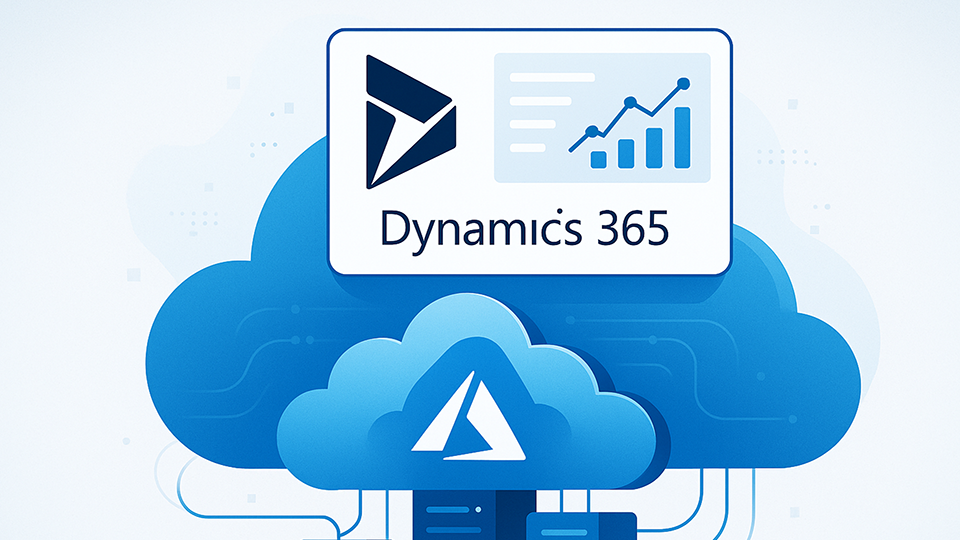
Why Microsoft Azure Cloud Is the Ultimate Way to Run Microsoft Dynamics 365 BLOG Microsoft Dynamics 365 and Microsoft Azure form a powerful combination for modern businesses. Both are built within the Microsoft ecosystem, which means they’re designed to work together seamlessly. If your company already uses Dynamics 365 or Azure, integrating the two can significantly enhance performance, scalability, and innovation. Native Integration for a Smoother Experience Dynamics 365 is built on the Azure platform. Hosting it on Azure eliminates the need for complex integrations or external connectors. Deployments become faster, updates are easier to manage, and the entire system runs more efficiently within a unified Microsoft environment. Enhanced Capabilities Through Azure Azure brings extra value to Dynamics 365 with tools like AI, machine learning, data analytics, and top-tier security. These capabilities help businesses get more profound insights, automate processes, and protect sensitive data, all from one cloud platform. Expand Services with IaaS For businesses and service providers, Azure also unlocks infrastructure as a service (IaaS). This allows companies to reduce the cost of on-premises infrastructure and transition more workloads to the cloud. For MSPs, it’s an opportunity to expand beyond Dynamics 365 and offer complete IT solutions under one roof. Using Dynamics 365 on Azure means better performance, more innovative tools, and long-term flexibility. It’s a future-ready solution that helps businesses stay ahead. Whether you’re planning to move from on-premises Dynamics to the cloud or looking for new ways to grow your cloud business, DevOps Foundry is here to help. Our cloud experts understand the Microsoft ecosystem inside and out and are ready to guide you through every step of your transformation journey.
Using AWS as a Disaster Recovery Site for your Azure Workloads
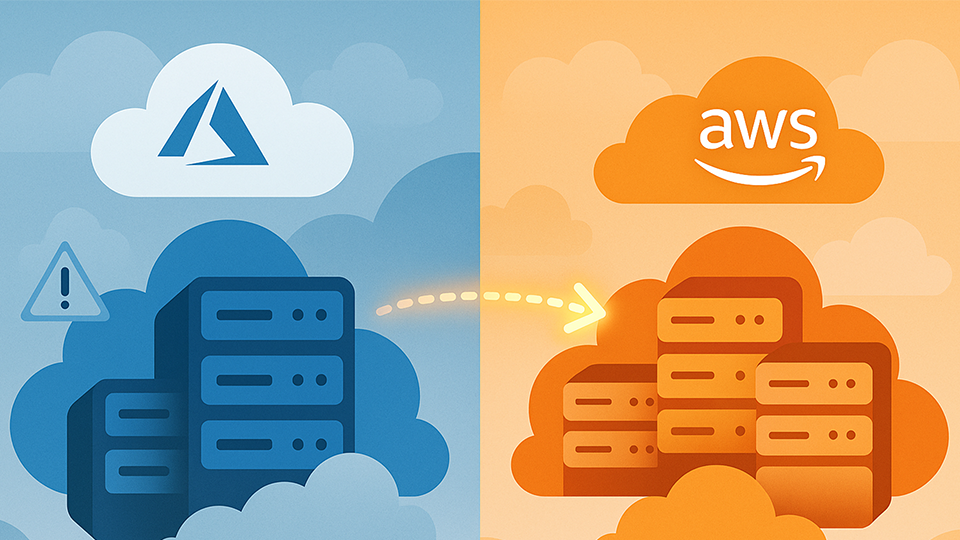
Using AWS as a Disaster Recovery Site for your Azure Workloads BLOG In today’s world, businesses are no longer limited to a single cloud provider. Many organizations now run their primary workloads on one cloud platform, such as Microsoft Azure, Google Cloud Platform, or Amazon Web Services (AWS), while leveraging another provider for specific use cases like disaster recovery. A popular multi-cloud strategy is when a company can host its primary operations on Azure and use AWS as a disaster recovery site. They make use of AWS Elastic Disaster Recovery, which allows businesses to replicate workloads from other environments to AWS for fast, reliable recovery in case of failure. It can achieve a Recovery Point Objective (RPO) of as low as one second and a Recovery Time Objective (RTO) of about five to twenty minutes, depending on your operating system. Replicating all your environments from Azure to AWS is a smart move, as it will give you true geo-diversity across different cloud infrastructures. You reduce the chances of both your primary and backup environments being affected by the same issue, boosting your availability and business continuity. Downtime is one thing businesses can’t afford, as it’s a big loss to them. It will also be cost-effective, as AWS offers flexible pricing options like Amazon S3 Glacier for cold storage and Spot Instances for affordable computing power. This allows you to set up DR infrastructure without keeping everything running all the time. You can replicate data and only spin up workloads when needed, during a disaster, or for DR drills, saving significantly on costs compared to running a hot standby 24/7. Relying solely on one cloud provider limits your choices. By spreading your workloads across Azure and AWS, you gain strategic control. If Azure services degrade or your organization needs to pivot in the future, having infrastructure already set up in AWS gives you the flexibility to move fast and maintain operations without starting from scratch. This can also be a way of showing compliance, as some industries require DR plans to span multiple providers or regions. Using AWS as a DR site helps you meet these requirements while also showing that your organization takes business continuity and risk mitigation seriously. At DevOps Foundry, we help businesses unlock the power of multi-cloud by setting up reliable, cost-effective disaster recovery solutions using AWS and Azure. Let us help you build resilience where it matters most.
Why a Solutions Architect Is Essential for Cloud Adoption and Migration

Why a Solutions Architect Is Essential for Cloud Adoption and Migration BLOG What fascinates me most about the tech sector is its rapid evolution and constant innovation Businesses are increasingly embracing modern technology trends, and one key shift is the migration to the cloud. Seeing more organizations taking advantage of cloud platforms to improve agility, scalability, and efficiency is encouraging. However, migrating from a data center to the cloud can be complex. With the right tools and approach, it becomes manageable. But with the right personnel, it becomes simpler, more secure, and ultimately more rewarding. A Solutions Architect designs and implements complete technology solutions that align with business needs, like an architect designs buildings. They connect the business and technical sides and ensure that cloud adoption is strategic, efficient, and scalable. A Solutions Architect is responsible for: Designing solutions across multiple systems and technologies Developing and maintaining technical plans and roadmaps Ensuring compliance with standards and regulatory requirements Choosing the most suitable cloud service provider Overseeing implementation, testing, and deployment Continuously monitoring and improving performance Even for businesses already using the cloud, some may wonder if they still need a Solutions Architect when they already have internal IT staff. The answer is yes. Whether your business is migrating, managing, or growing in the cloud, a Solutions Architect plays an important role. Cloud technologies are constantly changing, and an expert who stays current is essential to help your business take full advantage. They also help modernize and containerize your applications where needed. Hiring a full-time Solutions Architect can be expensive. That’s why we at DevOps offer this service to you as needed. We provide access to certified Cloud Solutions Architects who can support your business at any stage of your cloud journey. Our experts stay updated with the latest cloud developments so that you, our client, can focus on growth while we take care of the technology.